
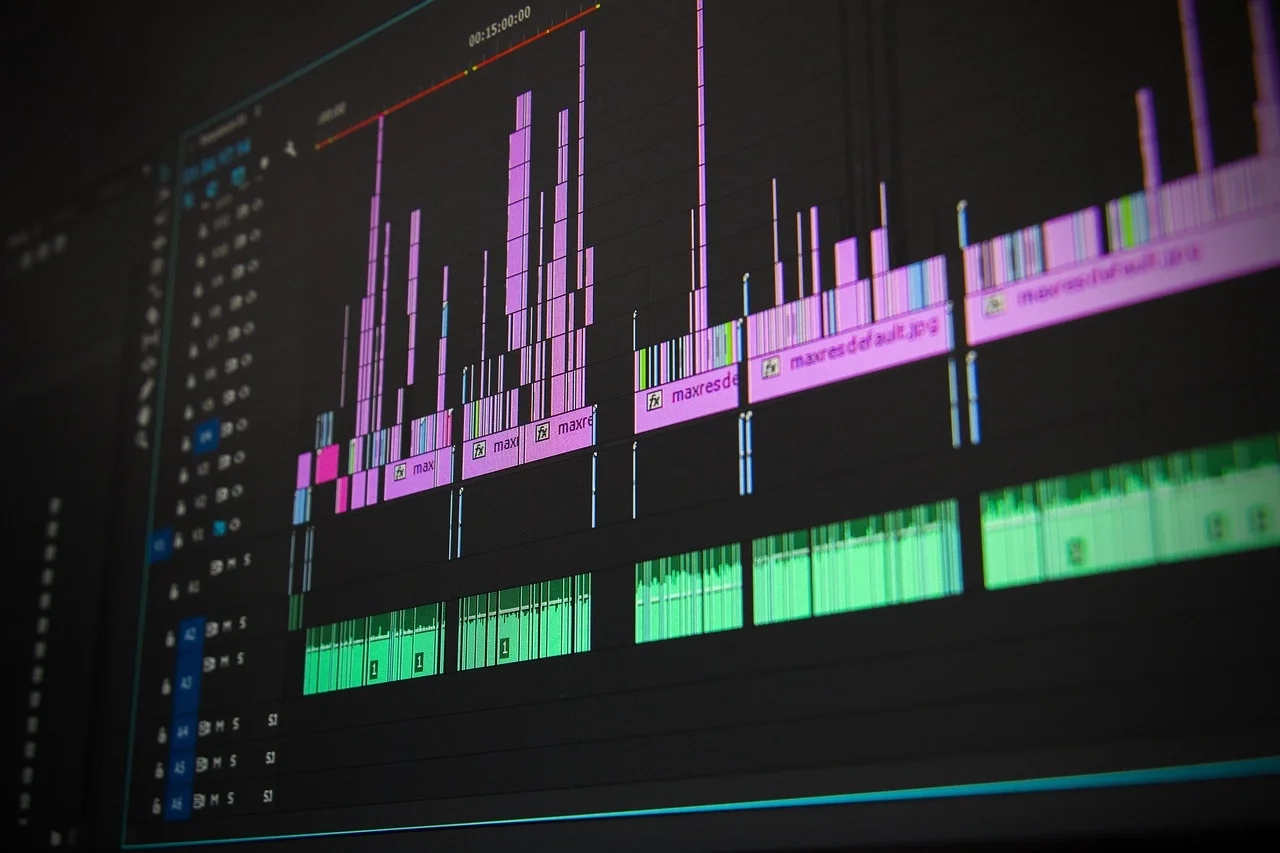
What is a Digital Workflow?
A digital workflow is a systematic process that utilizes technology to streamline tasks and activities within an organization. Unlike traditional workflows, which may rely on manual methods, digital workflows leverage software applications, automation tools, and collaborative platforms to enhance efficiency and ensure consistent performance. In today’s rapidly evolving business landscape, understanding the components and benefits of digital workflows is essential for beginners looking to optimize their organizational processes.
Importance of Digital Workflows
Digital workflows facilitate better communication, collaboration, and data management among team members. By automating repetitive tasks, organizations can reduce human error, enhance productivity, and allocate resources more effectively. Furthermore, digital workflows provide valuable insights into process performance, allowing businesses to identify bottlenecks and continuously improve operations.
Key Components of Digital Workflows
1. Automation
Automation plays a pivotal role in digital workflows. By automating routine tasks such as data entry, approvals, and notifications, organizations can significantly reduce the time and effort required for these activities. Automation tools, such as workflow management software, allow for the creation of rules and triggers that execute tasks automatically, freeing up employees for more strategic work.
2. Collaboration Tools
Effective digital workflows rely on collaboration tools that facilitate communication between team members. Platforms like Slack, Microsoft Teams, and Trello support real-time collaboration, ensuring that all team members are aligned and informed. These tools often include features such as shared documents, comment sections, and task assignments, enabling seamless interaction and teamwork.
3. Data Management
Data is at the core of any digital workflow. Efficient data management ensures that information is organized, accessible, and secure. Cloud storage solutions like Google Drive and Dropbox enable teams to store and share files easily, while database management systems (DBMS) help maintain data integrity and streamline access for authorized users.
4. Process Mapping
Understanding the workflow process begins with mapping out each step involved in a task or project. Process mapping visually outlines the sequence of activities, decision points, and responsible parties. Tools like Lucidchart and Microsoft Visio can help beginners create clear process maps, which serve as foundational documents for optimizing workflows.
5. Reporting and Analytics
To gauge the success of a digital workflow, it is essential to track key performance indicators (KPIs). Reporting tools, such as Google Analytics and Tableau, provide insights into workflow efficiency, compliance rates, and overall performance. By analyzing these metrics, organizations can make informed decisions about necessary adjustments to improve workflow processes.
Step-by-Step Guide to Implementing a Digital Workflow
Step 1: Identify Tasks and Processes
Begin by identifying tasks and processes that could benefit from a digital workflow. Collaborate with team members to list routine activities that are time-consuming or prone to errors. Consider workflows that span across departments to create an organization-wide vision for digital transformation.
Step 2: Choose the Right Tools
Selecting the right tools is crucial for establishing a digital workflow. Research various software options based on your team’s needs and budget. Evaluate tools for automation, collaboration, data management, and analytics to ensure they align well with your workflow objectives. Popular options include Monday.com for project management and Zapier for automation.
Step 3: Map Out Your Workflow
Create a process map for the identified tasks. Document each step, including who is responsible for each action and the order of activities. This visual representation will serve as a guide for implementing the digital workflow and help clarify roles and responsibilities.
Step 4: Automate Repetitive Tasks
Identify repetitive tasks within your workflow that can be automated. Utilize automation software to create triggers based on specific events, like sending an email when a task is completed or notifying team members of deadlines. Ensure that automation is set up clearly to avoid confusion among team members.
Step 5: Foster Collaboration
Encourage collaboration within your digital workflow by leveraging communication tools. Ensure that all team members are trained on using these platforms effectively. Establish regular check-ins and brainstorming sessions to foster an environment of open communication and teamwork.
Step 6: Monitor and Adjust
Once the digital workflow is in place, continuously monitor performance using reporting tools. Gather feedback from team members to identify any pain points or bottlenecks in the process. Be prepared to adjust your workflow based on this feedback and changing organizational needs.
Step 7: Train Your Team
Providing adequate training for your team is vital for a successful digital workflow implementation. Organize training sessions that familiarize your team with the new tools and processes. Encourage open discussions about challenges and best practices to ensure everyone is comfortable with the workflow.
Best Practices for Maintaining Digital Workflows
1. Regular Reviews
Schedule regular reviews of your digital workflows to assess performance and optimize processes. Gathering insights from team members about what works well and what does not can lead to continuous improvement, which is essential for long-term success.
2. Encourage Feedback
Create a feedback loop within your organization where team members can share their insights on the digital workflow. Encourage suggestions for improvement and be open to making changes based on this feedback to foster a culture of collaboration and innovation.
3. Stay Updated on Technology
Technology is ever-evolving, and staying informed about the latest tools and trends is crucial for optimizing digital workflows. Attend webinars, conferences, and trainings regularly to bring new ideas to your workflow and keep your team engaged and informed.
4. Ensure Data Security
Implement strong data security measures to protect sensitive information within your digital workflows. Use encryption, user access controls, and secure cloud solutions to safeguard against data breaches and maintain compliance with industry regulations.
5. Document Everything
Document your digital workflow procedures and any modifications that occur over time. This documentation serves as a valuable reference for training new employees and provides a historical context for changes, enabling continuous improvement.
6. Celebrate Successes
Acknowledge the successes of your digital workflows. Celebrate milestones and individual contributions that enhance workflow efficiency, which can motivate team members and boost morale.
By following these steps and best practices, organizations can successfully implement and maintain effective digital workflows that drive productivity, innovation, and success across various industries in 2026. With the right tools and processes in place, businesses can thrive in an increasingly digital world, setting themselves apart from the competition.